From Download to Recording in 30 Seconds
Published on December 26, 2025
SIMPLE SETUP
From Download to Recording in 30 Seconds
No configuration. No accounts. Just instant voice notes.
Download
Get the app from Mac App Store or iOS App Store
When you first open it, just allow microphone access. That's it!
Open
Launch the app — it's ready to record immediately
No sign-ups, no configuration. Your existing iCloud does the syncing.
Record
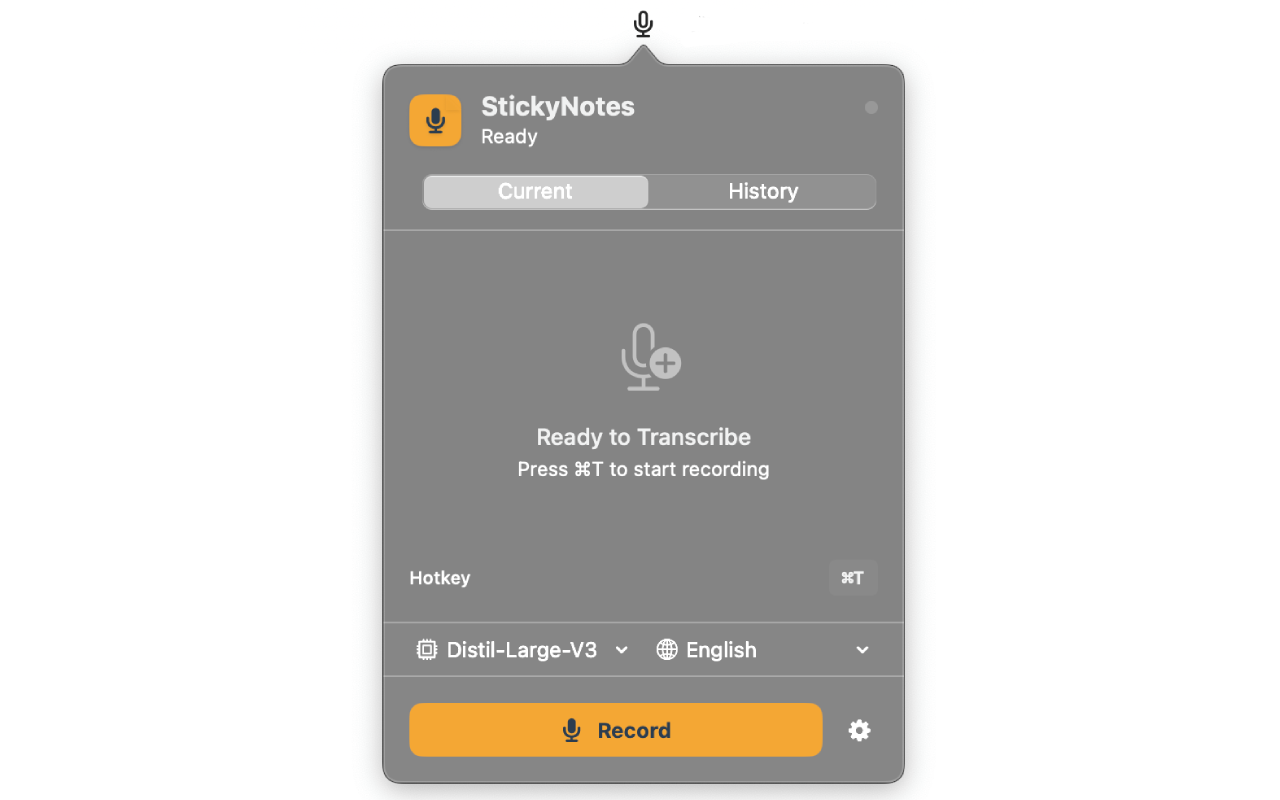
Start recording with one action:
See your words appear in real-time. Stop recording the same way you started.
That's really it!
Your notes sync instantly across all your Apple devices through iCloud. Record on your Apple Watch during a run, review on your Mac at home.
100% Private: Everything happens on your device. No servers. No accounts. No tracking.
Ready to try it? Download StickyNoteSync now and experience the simplest voice notes app ever made.